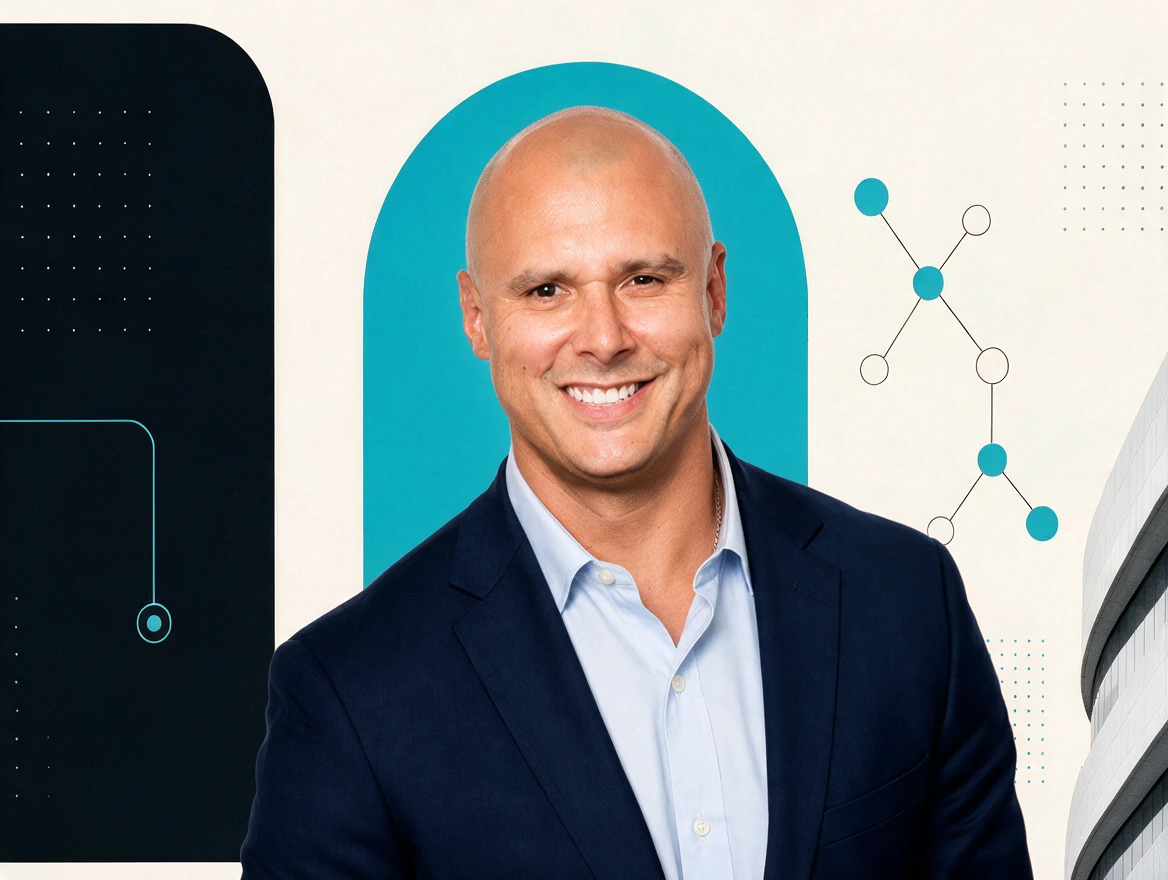
Alex Mont-Ros
Co-Founder & CEO
Serial entrepreneur and strategist. Alex leads client strategy and keeps every engagement anchored to the only metric that matters: leverage you can feel in your week.

Your people bring laptops. They leave with an AI teammate that understands their business. Claude 101 is a 90-minute, beginner-friendly workshop you host for your members, clients, or team. SN3 teaches it live, and every participant builds along on their own laptop.

90 minutes
One focused, hands-on session
Beginner-friendly
No AI experience needed
On-site or online
Your venue, or Zoom or Google Meet
A laptop
Everyone builds on their own
Any industry. Made for groups like
Your people already have access to AI. Most of them open it, type a question, get a generic answer, and go back to doing things the old way. Claude 101 fixes the starting point: participants teach Claude who they are, who they serve, and how they communicate, so the next chat starts with context instead of a blank box.
Dabbling
Implementing
Every segment runs the same way: we show it, then everyone does it on their own laptop before we move on.
Accounts on laptops and phones, then a tour of the settings that matter: memory, models, and preferences. We also mark the edges: where Claude is great, and where their judgment stays in charge.
There’s no magic prompt to paste in. Good prompting is a conversation: tell Claude who to be, what you’re after, the context that matters, and what you want back, then keep talking. Push back, add detail, ask for another take. Participants turn a vague request into a back-and-forth that lands somewhere useful.
Instead of filling out forms, participants have a conversation. Claude asks ten questions, one at a time, about who they work with, how they communicate, and where they need help, then sums it up in a business profile they save.
From everything it learned, Claude drafts a set of custom instructions. Participants review them and paste them into their settings, so every new chat starts out knowing their business.
Two more tools to finish. Projects are dedicated workspaces for one kind of work. Styles shape how Claude writes, so drafts sound like the person sending them.
Neither is a script to memorize. Each one opens a conversation participants carry on in their own words. In your session, we use examples from your group’s industry.
Act as a marketing coordinator. Help me announce a new service to our existing clients. Here’s what matters: it launches next month, current clients get first access, and the tone should be warm. Return it as an email under 150 words.
Then keep talking: “Shorter.” “Most of our clients are retirees.” “Give me three subject lines.” The first reply is where the work starts, not where it ends.
I want you to become my business assistant. Interview me — ask me 10 multiple choice questions, one at a time — to learn who I work with, how I communicate, and what I need help with most.
Then Claude summarizes what it learned into a document participants download and keep.
Participants walk out with working setups, not a page of notes. The next time they open Claude, it already knows the basics.
Claude knows my business, my market, my clients, and my personality.
You bring Claude 101 to your members, clients, or team. SN3 brings the curriculum and teaches it live. Here’s how a booking runs.
Choose on-site or online and a date that works for your group.
We send you a print flyer and a social media flyer from the SN3 template, with your sponsor names and the class details. Your design team is welcome to make more.
You invite your participants. Want help with the logistics? SN3 can run the RSVP form, tracking, and confirmation and reminder workflows, then send you the attendee list after the workshop.
The SN3 Group teaches the session. Participants bring laptops and build on their own accounts as we go.
Your part
Our part
Every booking includes two flyers built on the SN3 template. Share them as they are, or have your own design team create more.
Claude 101
Personalizing your experience
01 / Set up ClaudeGet Claude running on your laptop and phone, with the settings that matter.
02 / Converse, don’t copy-pasteTalk Claude through real work instead of hunting for magic prompts.
03 / Teach Claude your businessLeave with a business profile and custom instructions that give every chat context.
Sponsored by
Your sponsor names
info@sn3group.aisn3group.ai
Alex Mont-RosCo-Founder & CEO
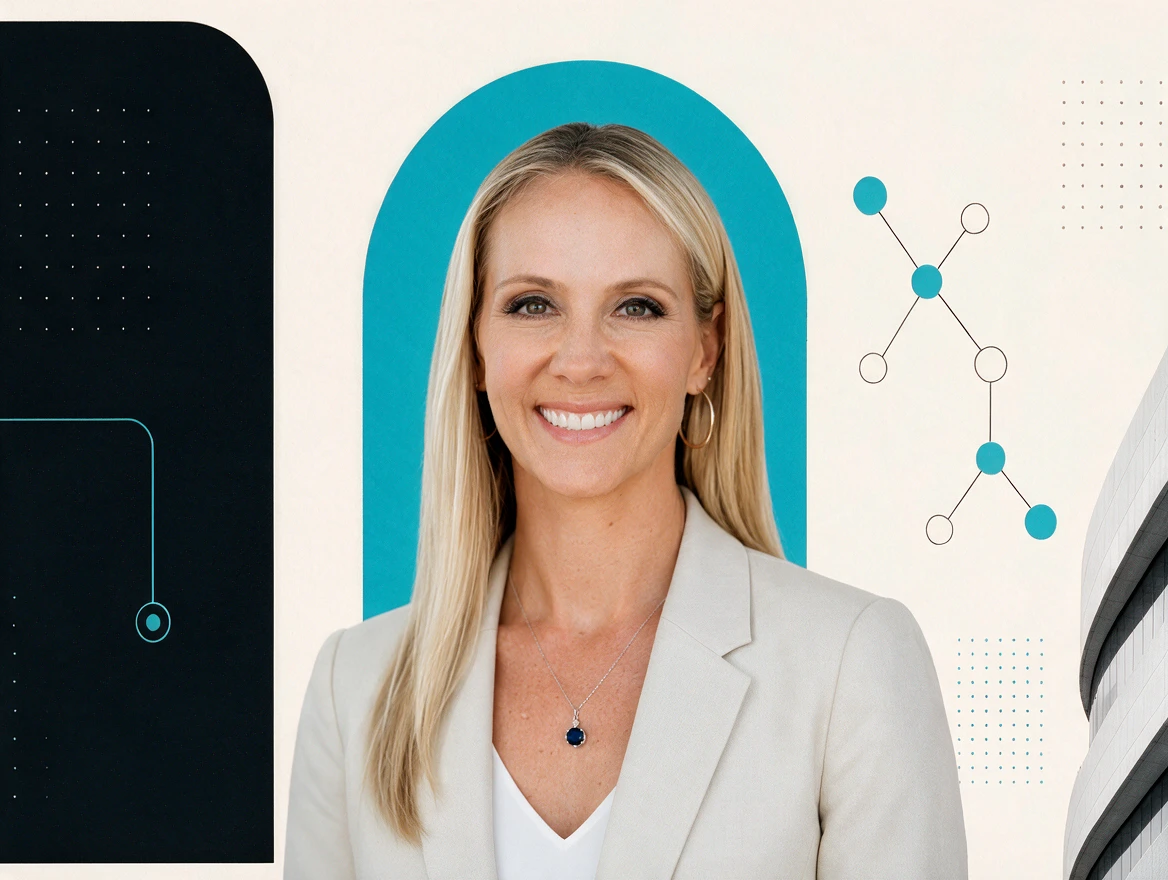 Lisa Mont-RosCo-Founder & COO
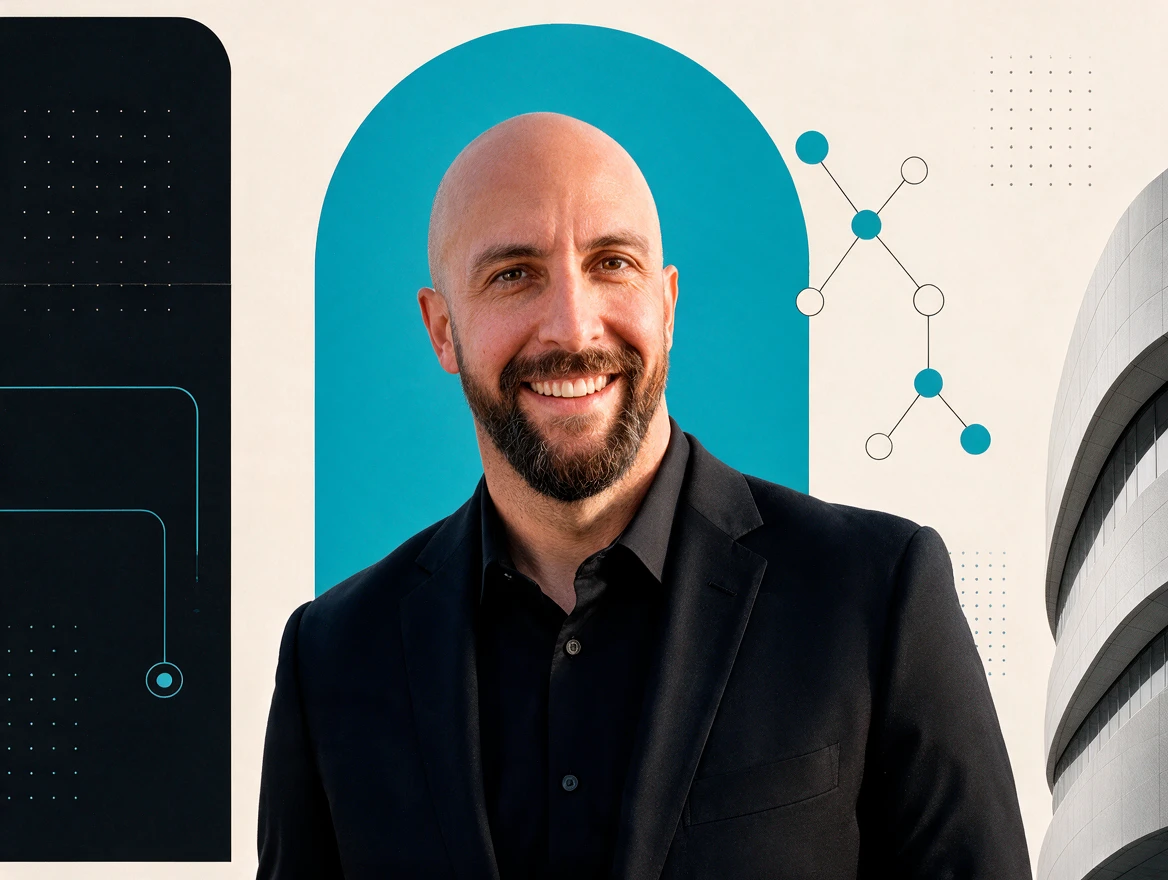 John LipeChief Innovation Officer
Claude 101
Personalizing your experience
Join us on Month 00
Sponsored by Your sponsor names
John LipeChief Innovation Officer
Claude 101
Personalizing your experience
Join us on Month 00
Sponsored by Your sponsor names
Sample layout. Both flyers follow the current SN3 template, which may change, and carry your sponsor names and the class details.
Same curriculum, same hands-on format, two ways to run it. Whichever you choose, participants work on their own laptops the whole way through.

Your group learns directly from the people who run SN3: our two co-founders and our Chief Innovation Officer.
Co-Founder & CEO
Serial entrepreneur and strategist. Alex leads client strategy and keeps every engagement anchored to the only metric that matters: leverage you can feel in your week.
Co-Founder & COO
Operations to the bone. Lisa turns strategy into systems — the workflows, training, and cadences that make adoption stick long after launch day.
Chief Innovation Officer
The frontier scout. John lives in the newest models, agents, and automation stacks — so clients adopt what’s proven, not what’s loudest.
90 minutes. Claude goes to work: connectors to Gmail, Calendar, and Drive; Projects; Skills; and scheduled tasks.
Explore Claude 201Both workshops, on the same day or on separate days. A sample day: Claude 101, lunch, then Claude 201.
Explore the seriesFormats, laptops, recordings, flyers, RSVPs, and how booking works, answered for hosts.
Read the FAQNot for Claude 101. It’s built for complete beginners. Claude 201 builds on 101, so book it standalone only when your group already uses Claude.
Yes. The workshops are hands-on and participants build on their own laptops as we go, so everyone should bring one, charged. A phone helps too: Claude 101 includes setting up Claude on mobile.
Claude 101 walks everyone through getting into Claude, and a free account is enough to follow along. Claude 201 uses features such as connectors, Skills, and scheduled tasks that may require a paid Claude plan; we’ll confirm what your participants need before the session. Claude 201’s connectors module uses Gmail, Google Calendar, and Google Drive, so participants need a Google account to connect their own. On company accounts, an administrator may need to allow the connection first. If your group works mainly in Outlook or Microsoft 365, tell us when you book.
Yes. The workshops apply to every industry, and we shape the examples and practice conversations around your group’s work so the exercises feel familiar from the start.
There’s no minimum lead time. Send us the date you have in mind and we’ll confirm availability.
Tell us about your group and the date and format you have in mind. We’ll reply within one business day.
Tell us about your group and which class, format, and date you have in mind. We’ll reply within one business day.
Prefer the full page? Open the contact page