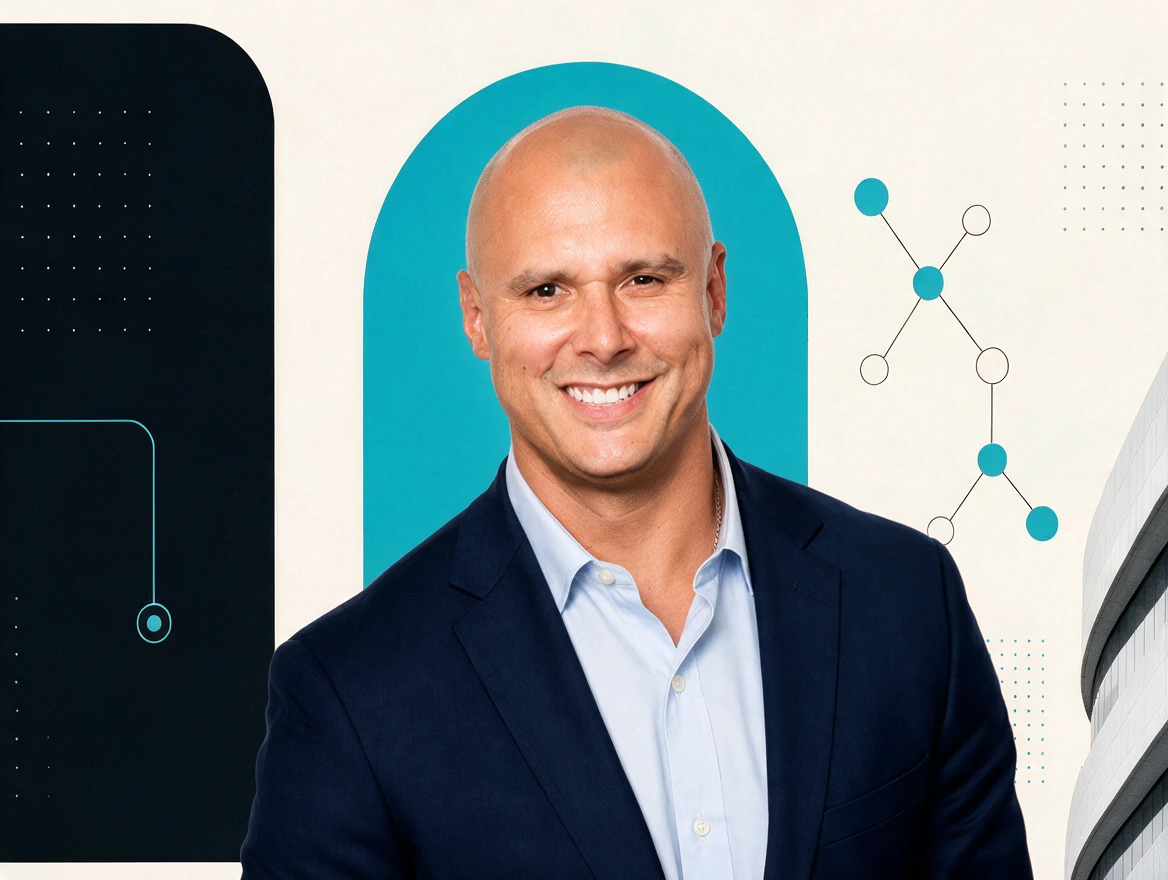
Alex Mont-Ros
Co-Founder & CEO
Serial entrepreneur and strategist. Alex leads client strategy and keeps every engagement anchored to the only metric that matters: leverage you can feel in your week.

Claude 201 puts Claude to work. A 90-minute, hands-on workshop you host for your members, clients, or team: participants connect Claude to their inbox, calendar, and files, organize their work into Projects, package their voice as a Skill, and set up scheduled tasks. Book it as part two after Claude 101, or on its own for a group that already uses Claude.

90 minutes
One focused, hands-on session
Builds on Claude 101
Or on existing Claude experience
On-site or online
Your venue, or Zoom or Google Meet
A laptop
Plus a Google account for the connectors
Any industry. Made for groups like
Claude 201 picks up where Claude 101 leaves off. Book it as the second half of the series, or on its own for a group that already knows its way around Claude.
Run Claude 201 after Claude 101, on the same day or a separate one. Participants arrive with the business profile and custom instructions they built in 101, and 201 builds the system on top.
For audiences with existing Claude experience: people who already converse with Claude comfortably and want it doing more of the work. We go straight to connectors, Projects, Skills, and scheduled tasks.
Each module follows the same rhythm: the idea, a live demo, then everyone builds it on their own laptop.
Custom instructions told Claude about your business. Connectors let Claude see it.
Everyone connects Gmail, Google Calendar, and Google Drive, then asks Claude a question it couldn’t answer before: one that spans their inbox, their schedule, and their files at once.
Now that you are connected to my email, calendar and drive, look across everything you can see. What patterns do you notice about how I actually spend my week?
The answer draws on all three sources at once.
One Claude for everything gets messy. Context gets lost and work streams collide.
A Project is a dedicated workspace for one type of work, with its own name and description, custom instructions, knowledge files, and chat history. Same Claude underneath, tuned for one job. Participants have Claude suggest the five Projects that would help them most, then build the first one in the room.
Project ideas
Based on everything you know about my business, suggest the 5 most valuable projects I should set up in Claude. For each one, give me a name, a short description of when I’d use it, and a starter set of custom instructions I can paste in.
Then they pick the one that would save them the most time this week, and build it.
Even with great custom instructions, you’re still re-explaining the specifics. Every. Single. Time.
A Skill is a saved playbook: a name, a description of when to use it, the full instructions, and any examples or reference material. Participants build it once and load it into Claude; from then on, Claude runs it the same way every time they call it by name. In the room, everyone builds the same first Skill: their own voice.
Two ways to build it: paste a few samples of their own writing, which works for everyone, or let Claude study their sent folder and Drive through the connectors from Module 01. Either way, participants leave with a Skill file on their computer.
Skill ideas
I want to build a voice Skill. Ask me to paste three to five samples of my own writing. Analyze the patterns: what I do say, what I never say, my cadence, and my vocabulary. Then create the Skill and give it to me as a file I can download.
Then they put it to work: “Use my voice Skill to write a three-sentence Instagram post about…” Not quite them yet? They adjust the Skill and try again.
You could open Claude every day to check on your market. Or Claude could bring the market to you.
Scheduled tasks turn Claude into a recurring briefing. Participants pick what they want to stay on top of, and Claude pulls it together and delivers it on their schedule. They show up sharper without doing the work of staying informed.
Every Sunday at 7pm, give me an update on my market. Include this week’s trends, notable news, what competitors are doing, and anything my clients are likely to ask me about.
Sunday night, the briefing arrives. Monday morning, they already know what happened last week.
A working AI system. In their own hands. Running on its own.
You bring Claude 201 to your members, clients, or team. SN3 brings the curriculum and teaches it live. Here’s how a booking runs.
Choose on-site or online and a date that works for your group.
We send you a print flyer and a social media flyer from the SN3 template, with your sponsor names and the class details. Your design team is welcome to make more.
You invite your participants. Want help with the logistics? SN3 can run the RSVP form, tracking, and confirmation and reminder workflows, then send you the attendee list after the workshop.
The SN3 Group teaches the session. Participants bring laptops and build on their own accounts as we go.
Your part
Our part
Every booking includes two flyers built on the SN3 template. Share them as they are, or have your own design team create more.
Claude 201
Getting AI to work for you
01 / Connect your workdayUse your calendar, inbox, and files as context for meeting prep, follow-up drafts, and everyday work.
02 / Automate what repeatsBuild a practical workflow around the recurring tasks that take up your week.
03 / Leave with a working setupConfigure Claude around your role and business, ready for your next client conversation.
Sponsored by
Your sponsor names
info@sn3group.aisn3group.ai
Alex Mont-RosCo-Founder & CEO
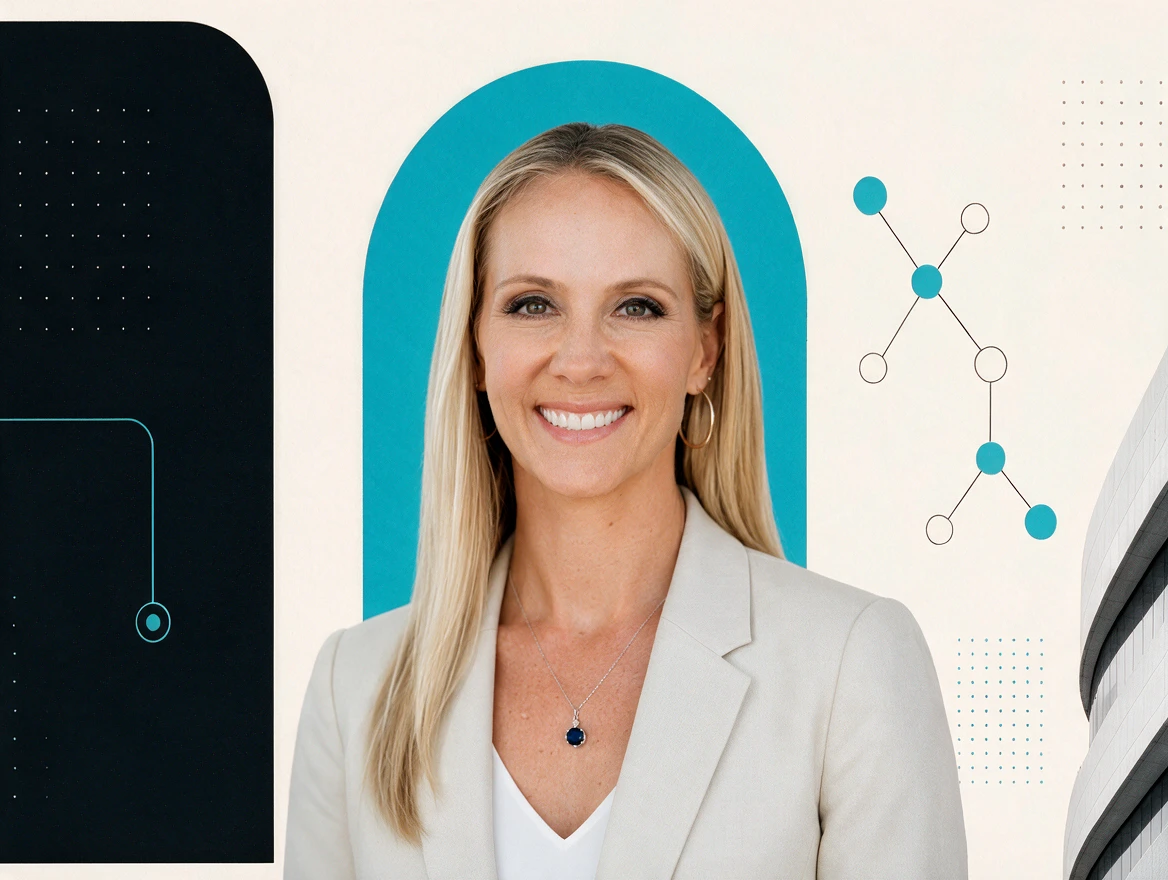 Lisa Mont-RosCo-Founder & COO
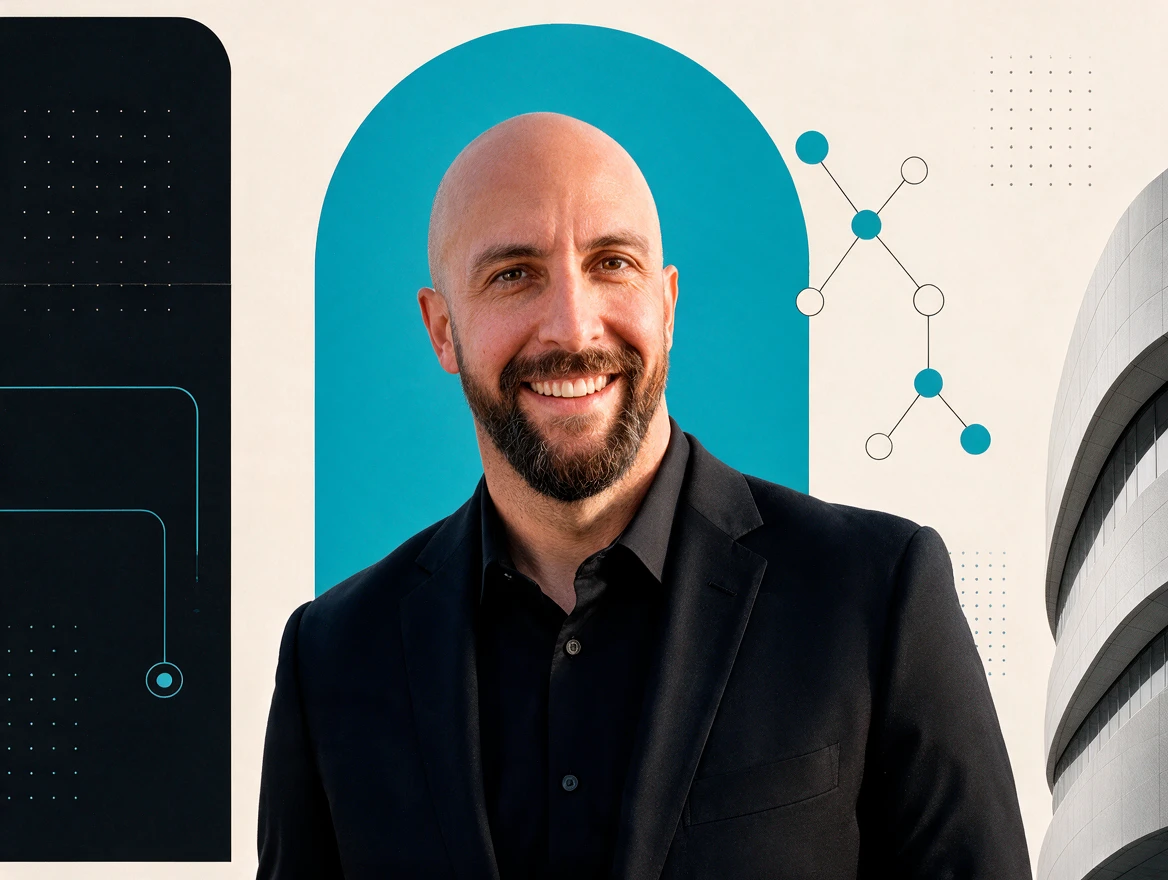 John LipeChief Innovation Officer
Claude 201
Getting AI to work for you
Join us on Month 00
Sponsored by Your sponsor names
John LipeChief Innovation Officer
Claude 201
Getting AI to work for you
Join us on Month 00
Sponsored by Your sponsor names
Sample layout. Both flyers follow the current SN3 template, which may change, and carry your sponsor names and the class details.
Same curriculum, same hands-on format, two ways to run it. Whichever you choose, participants work on their own laptops the whole way through.

Your group learns directly from the people who run SN3: our two co-founders and our Chief Innovation Officer.
Co-Founder & CEO
Serial entrepreneur and strategist. Alex leads client strategy and keeps every engagement anchored to the only metric that matters: leverage you can feel in your week.
Co-Founder & COO
Operations to the bone. Lisa turns strategy into systems — the workflows, training, and cadences that make adoption stick long after launch day.
Chief Innovation Officer
The frontier scout. John lives in the newest models, agents, and automation stacks — so clients adopt what’s proven, not what’s loudest.
90 minutes. Participants set Claude up and teach it who they are: custom instructions, memory, Projects, and styles.
Explore Claude 101Both workshops, on the same day or on separate days. A sample day: Claude 101, lunch, then Claude 201.
Explore the seriesFormats, laptops, recordings, flyers, RSVPs, and how booking works, answered for hosts.
Read the FAQYes. Claude 201 works as a standalone session for audiences that already have Claude experience. If your group is new to Claude, start with Claude 101 or book the Claude 101 + 201 Series.
Claude 101 walks everyone through getting into Claude, and a free account is enough to follow along. Claude 201 uses features such as connectors, Skills, and scheduled tasks that may require a paid Claude plan; we’ll confirm what your participants need before the session. Claude 201’s connectors module uses Gmail, Google Calendar, and Google Drive, so participants need a Google account to connect their own. On company accounts, an administrator may need to allow the connection first. If your group works mainly in Outlook or Microsoft 365, tell us when you book.
Yes. The Claude 101 + 201 Series runs both workshops, on the same day or on separate days. A sample same-day format: Claude 101 (90 minutes), lunch (30 or 60 minutes), then Claude 201 (90 minutes).
Yes. The workshops are hands-on and participants build on their own laptops as we go, so everyone should bring one, charged. A phone helps too: Claude 101 includes setting up Claude on mobile.
Both. On-site, we teach at your venue. Online, we teach live on Zoom or Google Meet. The curriculum and the hands-on format are the same either way.
Tell us about your group, whether they’ve taken Claude 101, and the date and format you have in mind. We’ll reply within one business day.
Tell us about your group and which class, format, and date you have in mind. We’ll reply within one business day.
Prefer the full page? Open the contact page